Introduction
VAT tax calculation follows a clear structure, but many people find it confusing because VAT can be added, removed, or calculated backwards depending on how prices are shown. Whether you are a consumer checking receipts or a business preparing invoices, understanding the full VAT calculation process helps you avoid mistakes.
This complete guide explains VAT tax calculation from start to finish, covering net prices, VAT amounts, gross prices, and how VAT flows through businesses. While VAT rates vary by country, the calculation logic remains the same worldwide.
Quick answer: to add VAT, multiply the net price by 1 plus the VAT rate (net × 1.2 at 20%). To remove VAT, divide the gross price by the same number (gross ÷ 1.2). The VAT amount is the gross price minus the net price.
Table of Contents
- Steps
- Does VAT Tax Calculation Change by Country?
- How to Avoid VAT Calculation Mistakes
- External Reference
- Frequently Asked Questions
- Key Takeaways
Step 1: Start with the Net Price
The net price is the price before VAT is added.
VAT calculations always begin from the net price when VAT is not included.
Formula:
VAT amount = Net price × VAT rate
Learn more: Explained VAT calculation Formula
Step 2: Calculate the VAT Amount
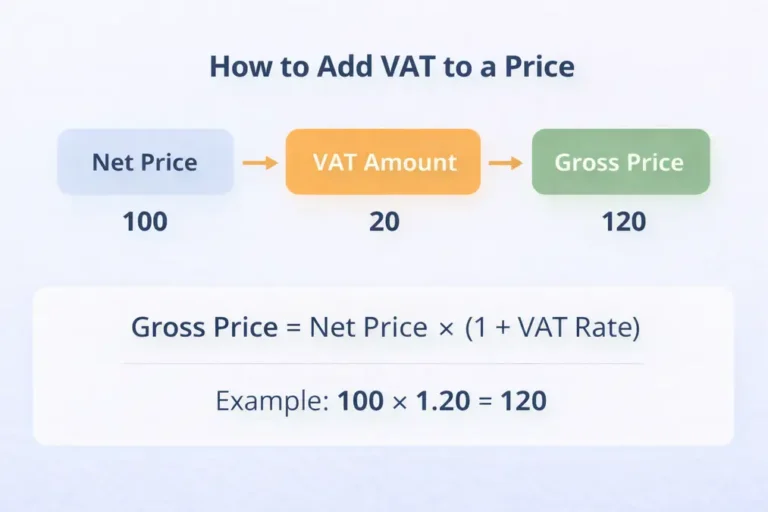
The VAT amount is calculated as a percentage of the net price.
Example:
- Net price: 100
- VAT rate: 20%
- VAT amount: 20
This amount is added to the net price to get the final total.
Step 3: Calculate the Gross Price
The gross price is the final price including VAT.
Formula:
Gross price = Net price × (1 + VAT rate)
Detailed guide: Add VAT to price
Step 4: Understanding Input VAT and Output VAT
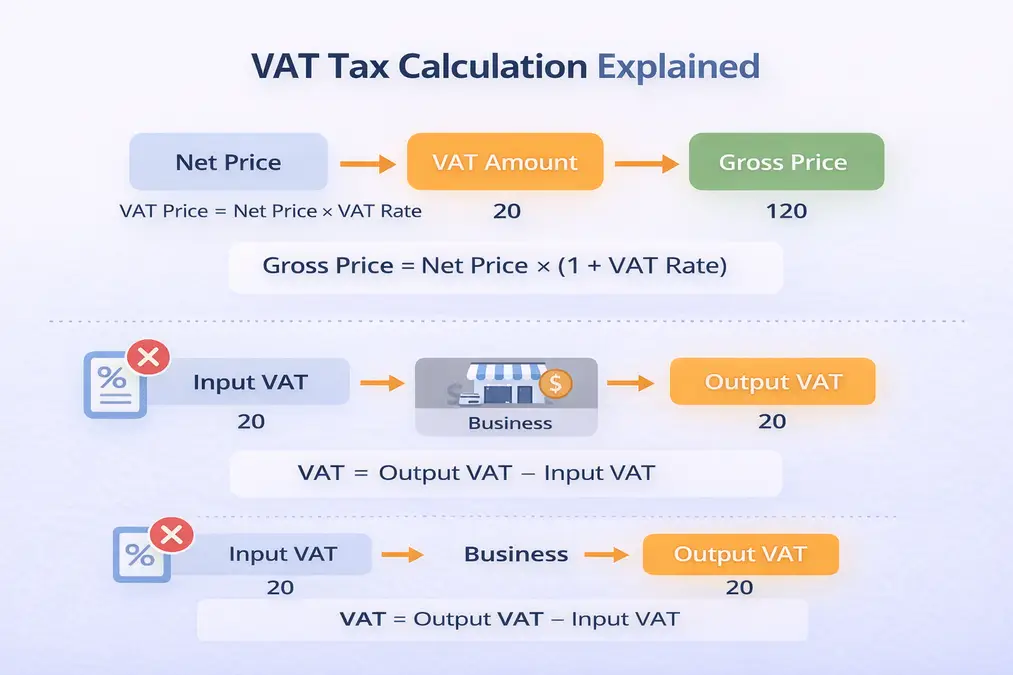
For businesses:
- Input VAT: VAT paid on purchases
- Output VAT: VAT charged on sales
The VAT payable is the difference between them.
Formula:
VAT payable = Output VAT − Input VAT
How VAT works in real life: VAT working system
Step 5: Calculating VAT from a VAT-Inclusive Price
When VAT is already included, reverse calculation is required.
Formula:
Net price = Gross price ÷ (1 + VAT rate)
Step-by-step explanation: Remove VAT from price
Common VAT Calculation Scenarios
VAT calculation is commonly required when:
- Pricing goods or services
- Issuing invoices
- Checking receipts
- Preparing VAT returns
Understanding each step ensures accurate totals.
VAT Calculation Examples at 20%, 5% and 15%
The same method works at every rate. Here is a net price of 100 with VAT added, then the reverse calculation from the gross price.
| VAT rate | Net price | VAT amount | Gross price |
|---|---|---|---|
| 20% | 100.00 | 20.00 | 120.00 |
| 5% | 100.00 | 5.00 | 105.00 |
| 15% | 100.00 | 15.00 | 115.00 |
| VAT rate | Gross price | Net price | VAT included |
|---|---|---|---|
| 20% | 120.00 | 100.00 | 20.00 |
| 5% | 105.00 | 100.00 | 5.00 |
| 15% | 115.00 | 100.00 | 15.00 |
For the formulas at each rate, including Excel versions, see the VAT calculation formula guide. For UK rules, see how to calculate VAT in the UK.
Does VAT Tax Calculation Change by Country?
The method stays the same, but:
- VAT rates differ
- Some items may be exempt or zero-rated
Use country-specific calculators for accuracy:
Related guides: how to remove VAT from a price, VAT formulas and Excel and net vs gross price.
External Reference
For internationally accepted VAT principles, see:
OECD – International VAT/GST Guidelines
Frequently Asked Questions
What is VAT tax calculation?
VAT tax calculation is the process of determining VAT amounts and totals based on net or gross prices.
Is the VAT calculation formula the same everywhere?
Yes. Only VAT rates vary by country.
Can I calculate VAT manually?
Yes, but calculators reduce errors and save time.
Key Takeaways
- VAT calculation starts with the net price
- VAT amount is a percentage of the net price
- Gross price includes VAT
- Businesses calculate VAT using input and output VAT
- The method is global; rates vary