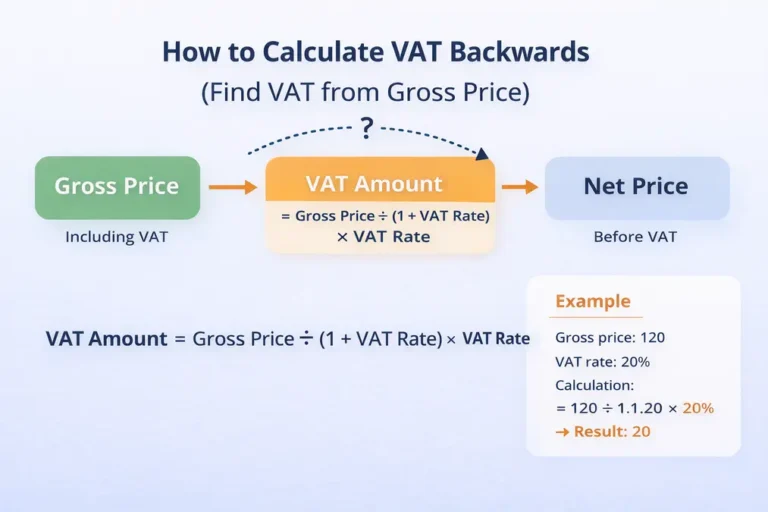
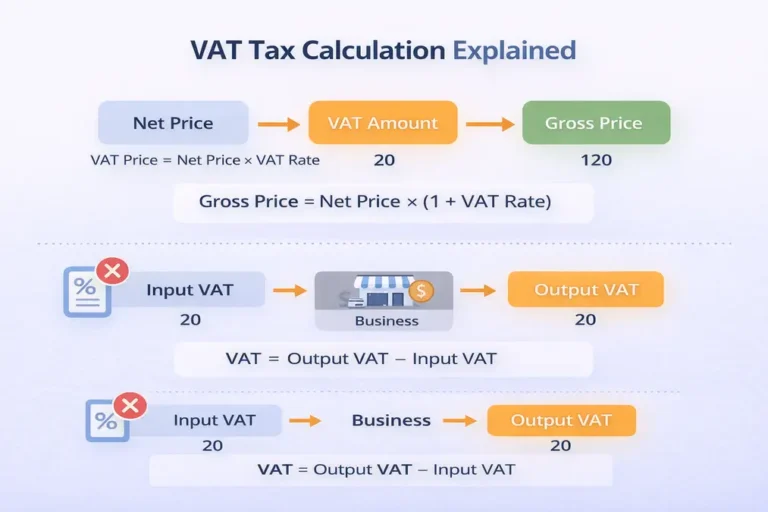
Quick answer: To add 20% VAT, multiply the net price by 1.2. Example: £100 × 1.2 = £120, so the VAT is £20. For 5% multiply by 1.05. Or use the UK VAT calculator or the plus VAT table.
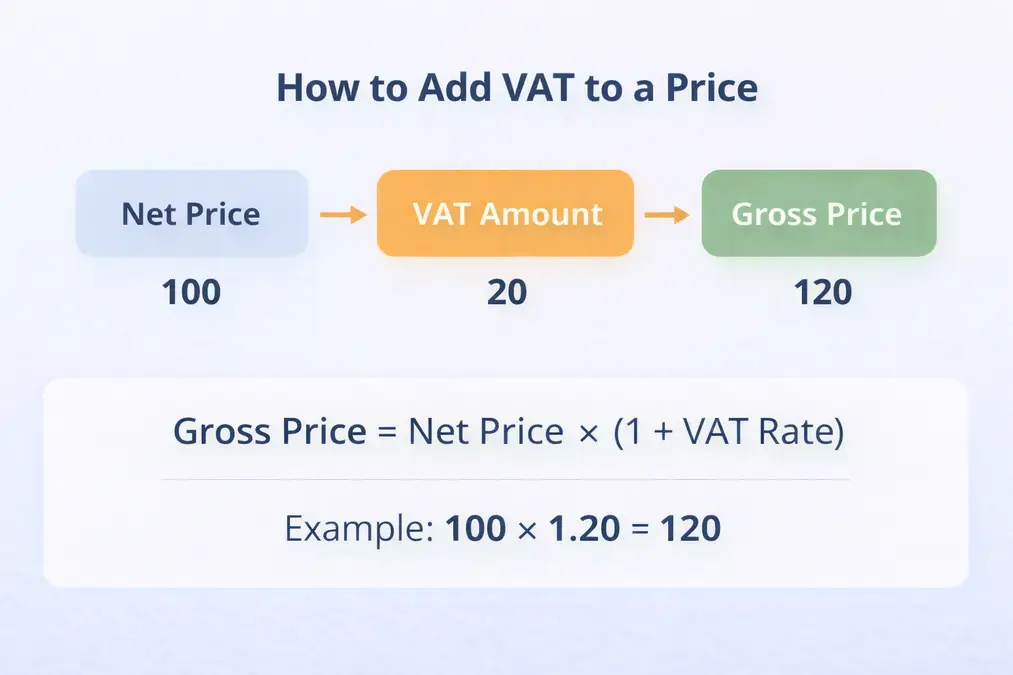
Table of Contents
- Introduction
- What Does “Adding VAT” Mean?
- The Formula to Add VAT to a Price
- Step-by-Step Example
- Why Multiplication Is Used (Not Addition)
- When Do You Need to Add VAT?
- Does This Change by Country?
- External Reference
- Frequently Asked Questions
- Key Takeaways
Introduction
When prices are shown excluding VAT, you need to add VAT correctly to arrive at the final amount the customer pays. This situation is common in business-to-business pricing, quotes, and contracts. Adding VAT incorrectly can lead to pricing errors, customer confusion, or compliance issues.
This guide explains how to add VAT to a price step by step, shows the correct formula, and provides a simple example you can follow. The calculation method is universal, even though VAT rates differ by country.
What Does “Adding VAT” Mean?
Adding VAT means calculating the VAT amount based on a net price and then adding it to reach the gross price.
- Net price: Price before VAT
- VAT amount: Tax calculated
- Gross price: Final price including VAT
The Formula to Add VAT to a Price
✅ Correct Formula
Gross price = Net price × (1 + VAT rate)
This formula works for any VAT rate.
Step-by-Step Example
Example:
- Net price: 100
- VAT rate: 20%
Calculation:
Gross price = 100 × 1.20 = 120
✔ VAT amount = 20
✔ Gross price = 120
To understand VAT basics first, read: What VAT is
Why Multiplication Is Used (Not Addition)
A common mistake is adding VAT as a flat amount without calculating it properly. VAT is a percentage of the net price, which is why multiplication is required.
Full explanation here: How VAT is calculated
When Do You Need to Add VAT?
You usually add VAT when:
- Issuing VAT-exclusive invoices
- Preparing quotes or contracts
- Selling to VAT-registered businesses
- Calculating VAT manually
Does This Change by Country?
The formula stays the same, but VAT rates vary.
Use country-specific calculators for accuracy:
Related: net vs gross price explained.
External Reference
For official guidance on VAT calculations, see:
OECD – International VAT/GST Guidelines
Frequently Asked Questions
How do I add VAT to a price?
Multiply the net price by (1 + VAT rate).
Can I just add the VAT percentage directly?
No. VAT must be calculated as a percentage of the net price.
Is the formula the same worldwide?
Yes. Only the VAT rate changes.
Key Takeaways
- Adding VAT requires multiplication
- VAT is calculated from the net price
- The method works globally
- VAT rates differ by country